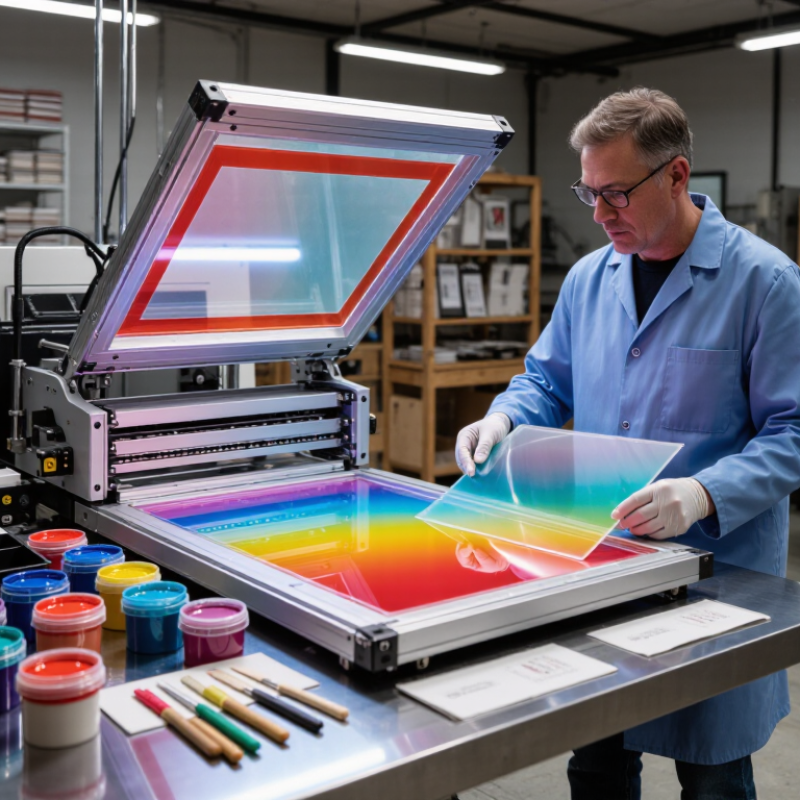
Choosing Screen Printing Uv Ink can shape print quality, production speed, and the durability of a finished graphic. The best choice is not simply the ink that cures fastest or looks brightest under shop lights. Substrate type, mesh, image detail, and press setup all influence results. A rigid acrylic panel may need different adhesion and flexibility than a coated card or flexible film. Small details matter. Even a well-matched ink can fail when lamp output, conveyor speed, or ink deposit thickness is inconsistent. Instead of relying on a product label alone, compare technical data sheets and run a controlled test print.
This guide shares seven practical tips for evaluating ink before a production run. It covers substrate compatibility, color and opacity, viscosity, curing requirements, adhesion, and resistance to handling. It also considers workflow factors, including screen selection, storage conditions, and communication with the ink supplier. A useful test checks more than appearance: inspect print edges, cure, and adhesion after the sample has cooled. Follow the manufacturer’s specified cure window and testing method; equipment readings may not match conditions within the ink film. No single ink suits every shop. That can be frustrating. Record settings and results, since memory gets fuzzy during busy production runs. These tips are a starting point, not a substitute for current manufacturer guidance or a press-side trial.
Match Ink Chemistry to the Substrate and Check Adhesion Using ISO 2409 Classes 0–5
7 Tips for Choosing Screen Printing UV Ink?
Match ink chemistry to the actual substrate, not just its appearance. Tip 1: Identify the exact plastic, glass, metal, or coated surface before selecting ink. Tip 2: Check whether the ink is designed for that material and whether surface treatment is needed. A clean-looking sheet may still carry mold release or handling oils. Small details matter.
Tip 3: Print a test sample and cure it using the intended lamp, speed, and ink deposit. Tip 4: After curing, assess adhesion with an ISO 2409 cross-cut test. Class 0 indicates no detachment; class 5 indicates extensive flaking. Lower classes generally mean better performance. Use the standard’s specified cutting pattern, tape, and assessment method. Keep the test surface flat and consistent. It is easy to over-trust one good sample.
Tip 5: Test several pieces from the actual production material, not only a supplier’s sample. Tip 6: Record the ink batch, substrate, cure settings, and ISO 2409 class. Tip 7: Repeat checks after the print has cooled and, where relevant, after exposure to moisture or handling. ISO 2409 is a useful comparison, not a guarantee of long-term durability. Some flexible films also need specialist test methods. When results vary, pause and investigate before increasing production.
7 Tips for Choosing Screen Printing UV Ink
Match ink chemistry to the substrate, then check adhesion with the ISO 2409 cross-cut test.
How to read the chart: ISO 2409 classes are ordinal categories, not measured percentages or a direct measurement of adhesion strength. Class 0 indicates no detachment; higher classes indicate greater coating removal in the cross-cut test.
Class 0: Cut edges are smooth; no squares are detached.
Class 1: Small flakes detach at cut intersections; affected area is up to 5%.
Class 2: Flaking affects more than 5% and up to 15% of the test area.
Class 3: Flaking affects more than 15% and up to 35% of the test area.
Class 4: Flaking affects more than 35% and up to 65% of the test area.
Class 5: Flaking is more severe than Class 4.
Test a fully cured print on the actual substrate: results depend on the ink, substrate, surface preparation, and curing conditions.
Match Ink to the Lamp Spectrum: ISO 21348 Defines UV-A as 315–400 nm
A lamp’s label is not enough. Match the ink’s photoinitiator response to the lamp’s measured output at the screen. ISO 21348:2007 defines UV-A as 315–400 nm, UV-B as 280–315 nm, and UV-C as 100–280 nm. Those ranges describe radiation, not curing performance. A lamp peaking at 365 nm and one peaking at 395 nm both fall within UV-A, yet may activate a given ink differently. Check the lamp spectrum and the ink’s technical data sheet together.
Measure at the print plane, not beside the lamp. Record irradiance in mW/cm² and exposure time; their product estimates the delivered dose in mJ/cm². Use a radiometer with a response suitable for the lamp’s spectrum. A broad-band meter can hide weak output where the ink needs it most. Small details matter: mesh, ink film thickness, pigment loading, and distance from the lamp all affect the cure. The ISO range is a useful map, not a pass mark.
Run a test print on the actual substrate, then check adhesion and surface cure after cooling. A tack-free surface can still conceal under-cure beneath it. Keep the readings and test conditions with the job record. I would not trust a single successful impression as proof; it may be a lucky setup. ISO 21348 provides the wavelength classification, while measured lamp data and controlled print trials establish compatibility.
7 Tips for Choosing Screen Printing UV Ink? - Match Ink to the Lamp Spectrum: ISO 21348 Defines UV-A as 315–400 nm
Tip
What to Check
Relevant Data
Practical Action
1. Identify the lamp’s wavelength
Check the lamp specification or measure its spectral output rather than relying only on the lamp type.
ISO 21348 defines UV-A as 315–400 nm. Common UV LED peak wavelengths include 365, 385, and 395 nm. A 405 nm peak is outside the UV-A range in this classification.
Record the peak wavelength and, where available, the emission bandwidth before selecting an ink.
2. Match the ink’s photoinitiator response
Confirm that the ink’s photoinitiator system absorbs light emitted by the curing source.
Photoinitiators have wavelength-dependent absorption. An ink that responds well to one UV spectrum may cure poorly under another, even when the lamp appears bright.
Ask the ink supplier for compatibility with the exact lamp wavelength and run a curing test on the intended press.
3. Consider the source type and spectrum
Compare the spectral output of the installed lamp, not just its nominal technology.
Medium-pressure mercury lamps produce a broad output with multiple spectral lines. UV LED systems generally emit within a narrower wavelength band, with peaks commonly specified by wavelength.
For a lamp change, recheck ink compatibility and validate the full cure process; do not assume the previous settings will transfer.
4. Check irradiance and dose
Measure light intensity at the substrate and account for exposure time.
Radiant exposure (dose) is calculated as irradiance multiplied by exposure time. For example, mW/cm² × seconds gives mJ/cm², when the irradiance is measured over the relevant spectral range.
Use a radiometer suitable for the lamp spectrum and measurement range. Follow the ink maker’s cure guidance rather than relying on a generic dose target.
5. Account for ink film and print design
Evaluate ink-film thickness, pigment loading, opacity, and printed coverage.
Thicker or more opaque deposits can reduce light reaching deeper parts of the ink film. Dark or heavily pigmented inks may need different process conditions from clear or lightly pigmented inks.
Test the most demanding colour and coverage in the job, not only a thin clear or white sample.
6. Check the substrate and press conditions
Consider substrate compatibility, heat sensitivity, line speed, and the distance between lamp and print.
Substrates differ in their response to heat and UV exposure. Changes in line speed or lamp-to-substrate distance can change the exposure delivered to the ink.
Run a representative production trial and inspect adhesion, surface cure, and resistance using methods appropriate to the application.
7. Verify cure with an appropriate test
Use application-specific checks; a dry-looking surface alone does not confirm full cure.
Cure performance can be affected by spectrum, dose, ink formulation, oxygen exposure, and print conditions. No single visual check proves suitability for every end use.
Follow the ink supplier’s test recommendations and confirm required adhesion, rub resistance, and other end-use properties before production.
Choose Mesh Count and Ink Deposit for Detail, Opacity, and Cure-Through
Mesh count controls image detail, but it does not tell the whole story. Thread diameter changes the opening size, so compare mesh specifications for both opening and theoretical ink volume, usually listed in cm³/m². Industry mesh technical data sheets show why two screens with the same threads per inch can deposit different amounts of ink. As a practical starting range, fine graphics may suit 305–355 threads per inch, while bold, opaque prints may need roughly 110–230. These ranges are not guarantees. Ink viscosity, stencil thickness, and substrate all matter.
Tip: Match the mesh to the smallest detail and the opacity you need. Print a test patch beside a fine-line element. Inspect both under the same light. A thin deposit can preserve detail but let a dark garment show through; a heavy deposit may soften edges and make cure-through harder. I would treat the chart as a starting point, not a promise.
For UV ink, verify the ink’s specified wavelength and cure window, then check the cured print with an adhesion or rub test. A surface that feels dry may still be under-cured beneath. Record mesh, stencil thickness, squeegee settings, and lamp conditions for each trial; otherwise, a good result can be difficult to repeat. PRINTING United Alliance screen-printing guidance and mesh makers’ technical data sheets are useful references, but your press test remains decisive.
Verify Curing with Radiometry: Record Irradiance in mW/cm² and Dose in mJ/cm²
Do not judge UV curing by lamp brightness or a dry-looking surface. Measure at the print plane with a radiometer suited to the lamp’s UV output. Record irradiance in mW/cm² and dose in mJ/cm² for each test. Small changes matter. Lamp distance, conveyor speed, and reflector condition can shift the energy reaching the ink.
Dose reflects energy delivered over time, while irradiance shows the lamp’s intensity at a measured moment. Keep the substrate, ink layer, and machine settings consistent when comparing readings. A useful log might note the measurement position, lamp warm-up time, conveyor speed, and result. Check several points across the belt; one central reading can miss weaker exposure near an edge. Repeat readings after maintenance or setup changes.
Treat readings as evidence, not a guarantee. Confirm the ink’s recommended wavelength range and curing conditions with reliable technical documentation, then test printed samples for adhesion and resistance using suitable procedures. Radiometers also vary in spectral response and calibration, so record the instrument used and its calibration status. I have seen a neat log create false confidence when the sensor was held at the wrong height. That detail is easy to overlook.
Check End-Use Performance, Chemical Resistance, and Applicable VOC Limits
Screen-printing UV ink should be chosen for the surface and the conditions it will face. A graphic on a rigid panel may need scratch resistance, while a printed plastic part may flex during assembly. Test the actual substrate, not just a paper sample. ASTM D3359 rates coating adhesion from 0B to 5B, giving teams a consistent way to record cross-hatch results. Strong initial adhesion is useful, but it does not prove the print will survive cleaners, oils, or repeated handling.
Tip: Print a small trial, then expose it to the real cleaner and handling routine. Record cure settings, rub results, and any cracking or color transfer. ASTM D5402 describes solvent-rub testing; report the solvent and rub count, since results depend on both. Small details matter.
VOC requirements depend on location, product category, and permit conditions, so there is no single universal limit for UV screen ink. Ask the supplier for VOC content in g/L and supporting test documentation. EPA Method 24 is used to determine volatile matter and VOC content in coatings, but confirm that the method and local rule apply to your ink. A “low-VOC” claim alone is not enough. Check the applicable limit with the relevant air-quality authority before production.